
Need to set up a Non-Taxable Fee/Custom Tax rate that is not covered by the Automatic rates or by your ShipCompliant integration? Here's how!
Important: Consult your compliance professional to confirm whether tax should be applied to these fees.
Is the fee non-taxable?: Continue below to set up Custom Taxes.
Is the fee taxable?: Click here to set up Custom Fees.
CRV (Califormia Redemption Value)
Setting up the CRV (California Redemption Value) fee? Click here to learn how.
- Go to Settings > Taxes
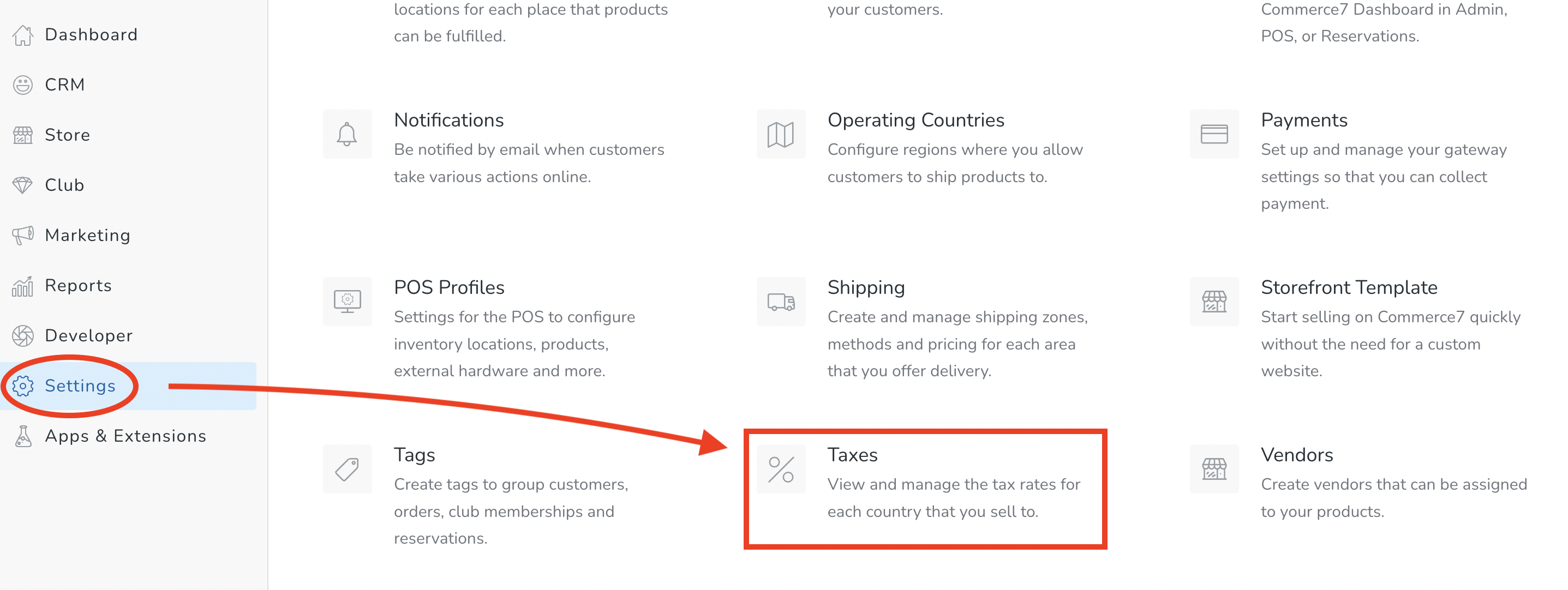
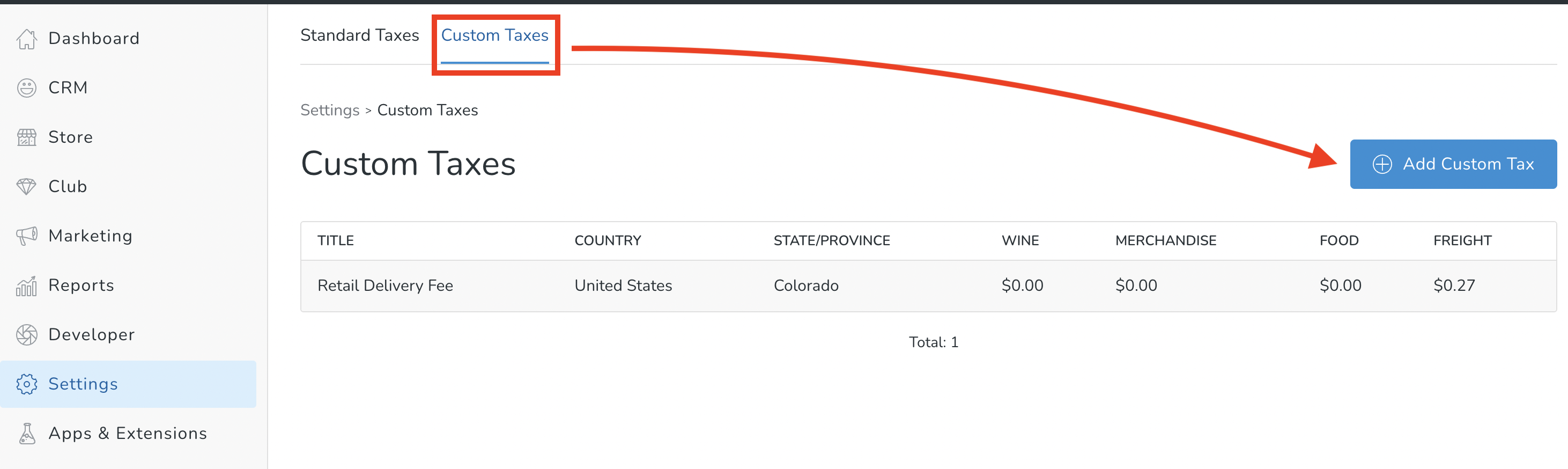
- Choose the Custom Taxes tab > Add Custom Tax button
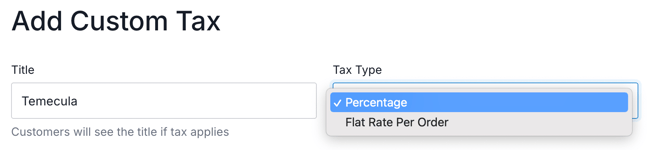
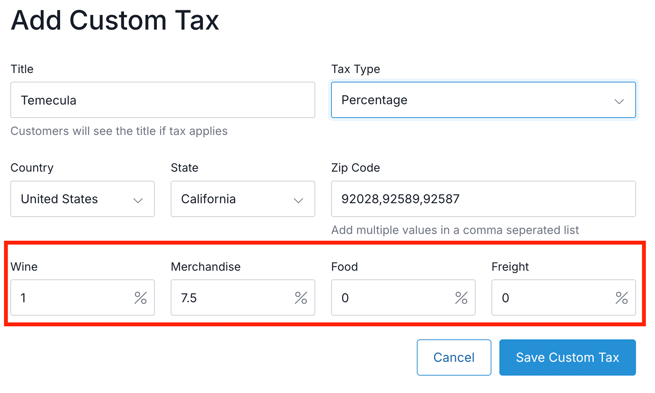
- Enter a Title, and choose Percentage or Flat Rate Per Order.
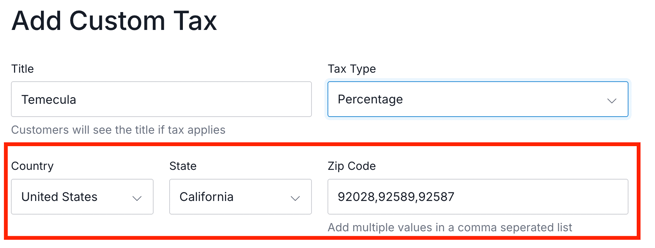
-
- NOTE FOR CHICAGO TAX only: You must enter the specific City of Chicago ZIP codes.Choose Country and State. Enter Zip Codes (separated by commas) if applicable. If no zip codes are defined, then the rate will apply to the entire state.
- Enter percentage (or dollar) amounts for each tax type. When satisfied, click the Save Custom Tax button.
- You're all set! Don't forget to test your new Custom Tax rate.