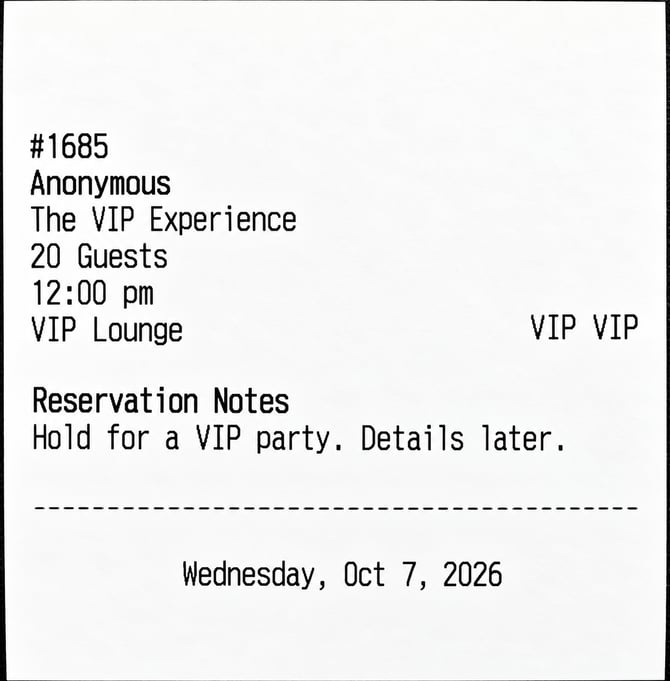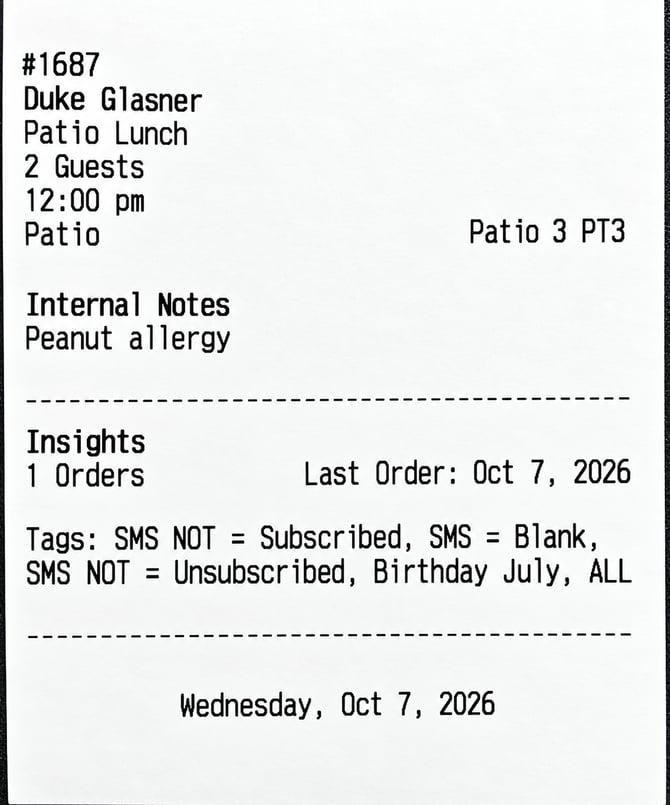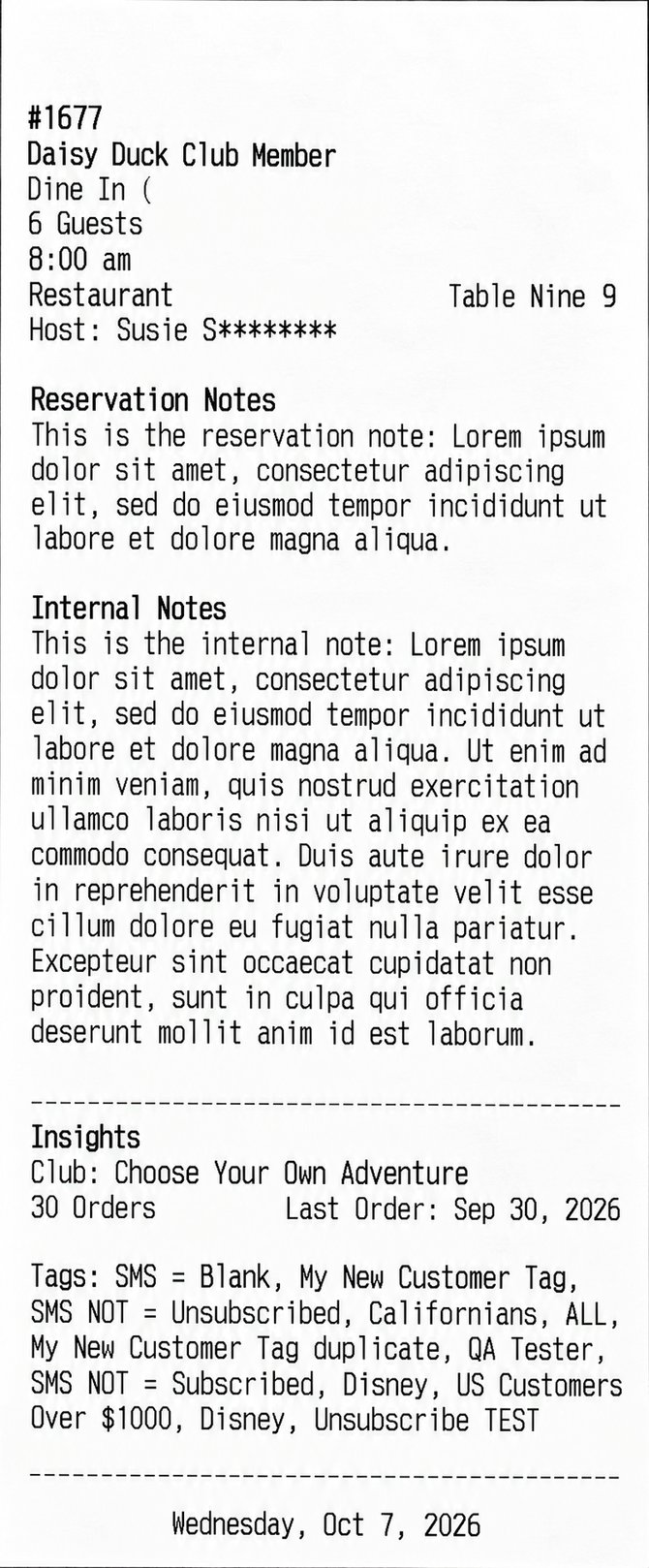
The chit provides a quick overview of reservation details, customer preferences, and special notes to help staff prepare for each visit.
Printing a Chit
- Click into any reservation from the list page or the Property Map.
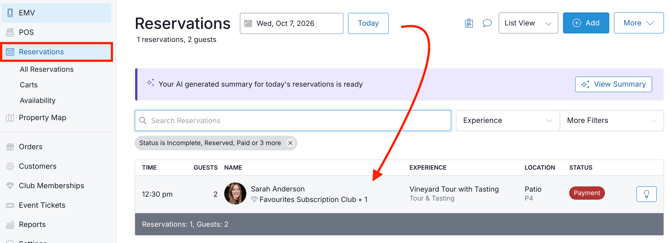
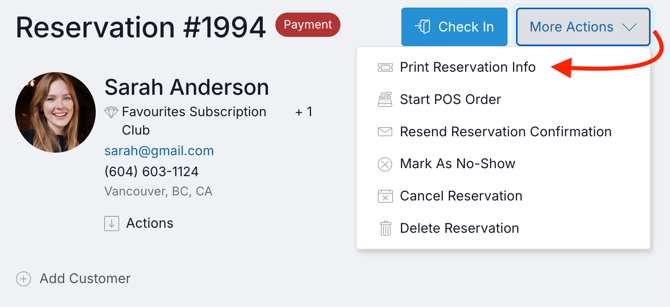
- Click More Actions > Print Reservation Info.
- A popup will appear asking which printer you'd like to use. The dropdown will display any printers currently configured in your selected POS Profile. (Printers are configured in Admin under Settings > POS Profile > select).
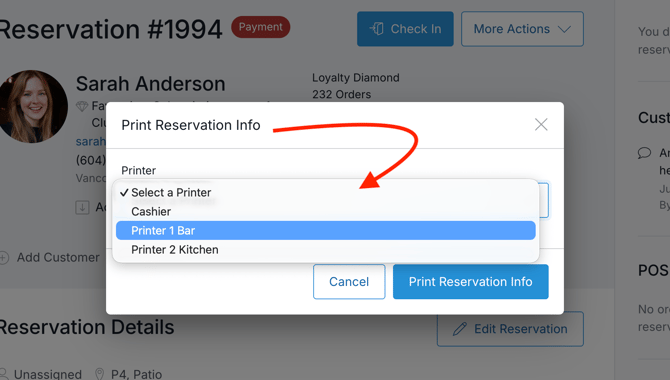
- Once confirmed, the selected device will print a thermal receipt. See below for examples.
What's Included on the Chit
|
|
What's It Look Like?
The chit’s contents vary based on the customer details and any available reservation or internal notes. Below are a few common examples:
|
Reservation Notes
|
Internal Notes & Insights
|
Reservation Notes, Internal Notes & Insights
|