
Handling Walk-In Reservations
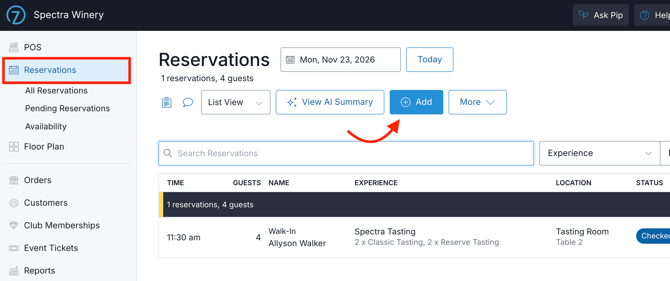
- From the Reservations, Pending Reservations or Availability tabs, click the Add button.
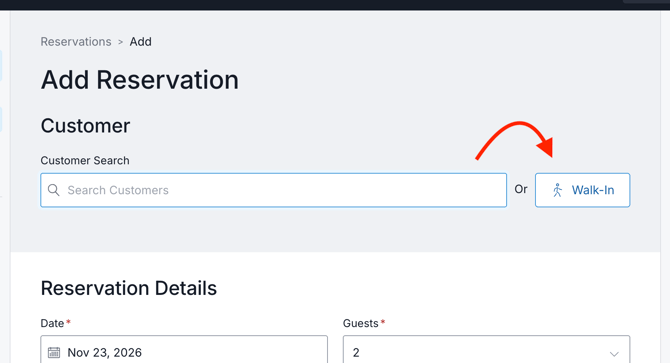
- Search for the Customer's name or click the Walk-In button.
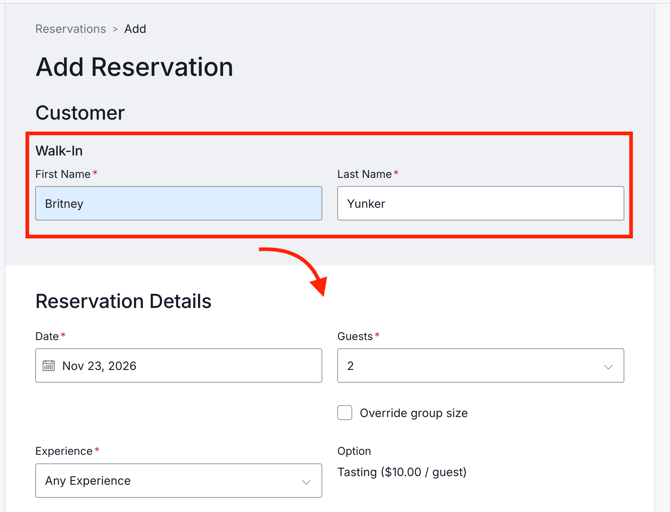
- Enter in the Walk-In's name and reservation details.
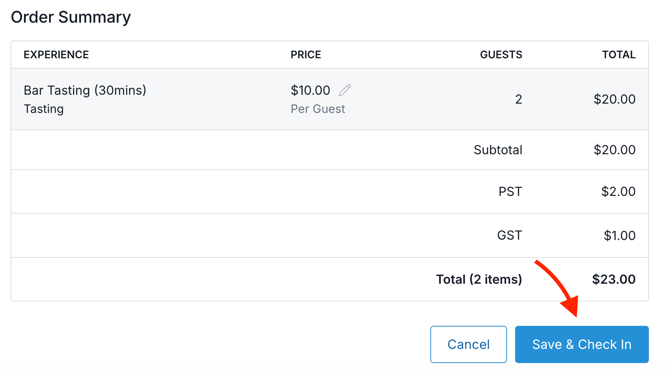
- Once all details have been entered, click the Save & Check In button.
Note that you can also manage Walk-Ins by using the Floor Plan feature.