
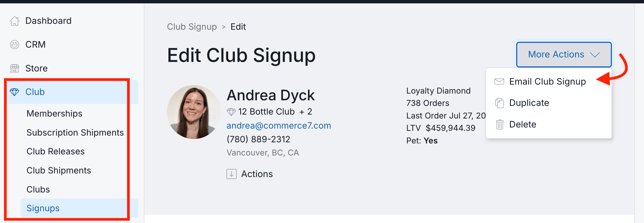
- Go to Club > Signups.
- Choose the applicable signup, and click the More Actions button > Email Club Signup.
Note: The 'Email Club Signup' function only appears if a customer record is attached.
- A modal will appear and be pre-filled with the customer's email address.
(Optionally you can copy the website link and send it to the customer yourself).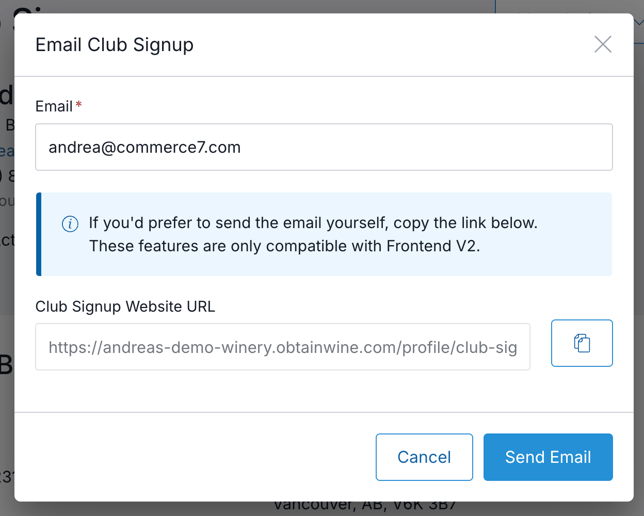
- Click the Send Email button to confirm.
- The customer will receive a transaction email with link to complete the signup on the website.
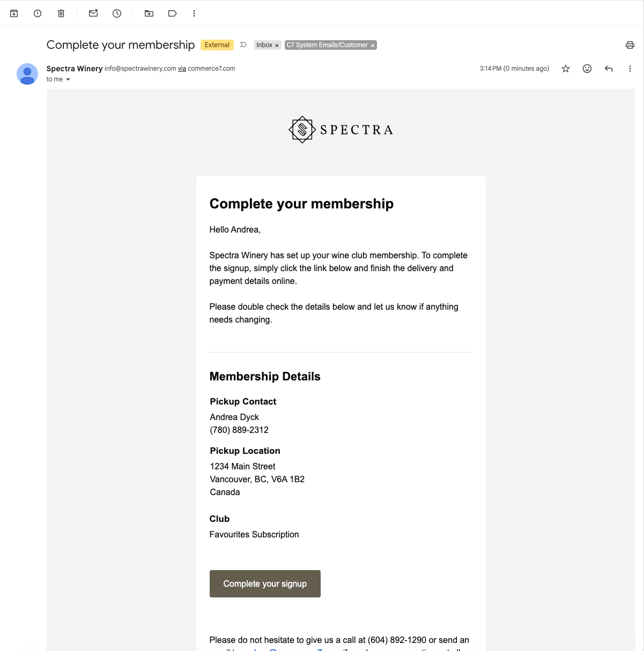
Content for the emails can be edited under Settings > Emails > Club Signup Link.